Guide
How to share photos with grandparents who aren't on social media
If Grandma & Grandpa aren't on social media, the easiest options need nothing from them: printed photos or a printed family paper posted to their letterbox, or a digital photo frame someone sets up once. A shared album works well if they already use a phone or tablet every day. The right choice comes down to whether they like screens, and how much sorting you want to do each month.
5 ways to share photos with grandparents, compared
| Option | What they need | Effort for you | What they get |
|---|---|---|---|
| Shared photo album | A smartphone or tablet, an account, and to check it | Low: add photos as you take them | Photos on a screen, often without words |
| Digital photo frame | Wi-Fi at their place, and someone to set it up | Low once set up | Photos rotating on a screen in the room |
| Printed photos by post | A letterbox | Medium: choose, order and address each time | Loose prints, now and then |
| Yearly photo book | Nothing | High, once a year | One book a year |
| Printed family paper | A letterbox | Low: each person posts a photo and a few words from their phone | A paper of the family's photos and news, every month |
Shared photo album
Good if Grandma & Grandpa already use a phone or tablet every day. It's free and instant. The catch is that they have to open it, and photos usually arrive without the story, so "who's that?" comes up on the next call.
Digital photo frame
Good if they have Wi-Fi and like a screen in the room. Once someone sets it up, photos appear without them doing anything. It needs Wi-Fi and power to keep working, and photos slide past rather than staying put.
Printed photos by post
Good for big moments. Grandparents can hold and keep them. It relies on one person remembering to choose, order and post, so it often happens less than everyone means it to.
Yearly photo book
A lovely once-a-year gift and a real keepsake, but it's a big job, and by the time it arrives the photos are months old.
Printed family paper
A monthly paper made from the family's photos and news. Everyone posts from their own phone and the paper arrives in Grandma & Grandpa's letterbox, so it needs nothing from them and no one person does all the work. With Keep Posted, families post photos and a few words from their phones, and we make it into a printed A4 paper on 128gsm silk, posted every month.
Why the words matter as much as the photos
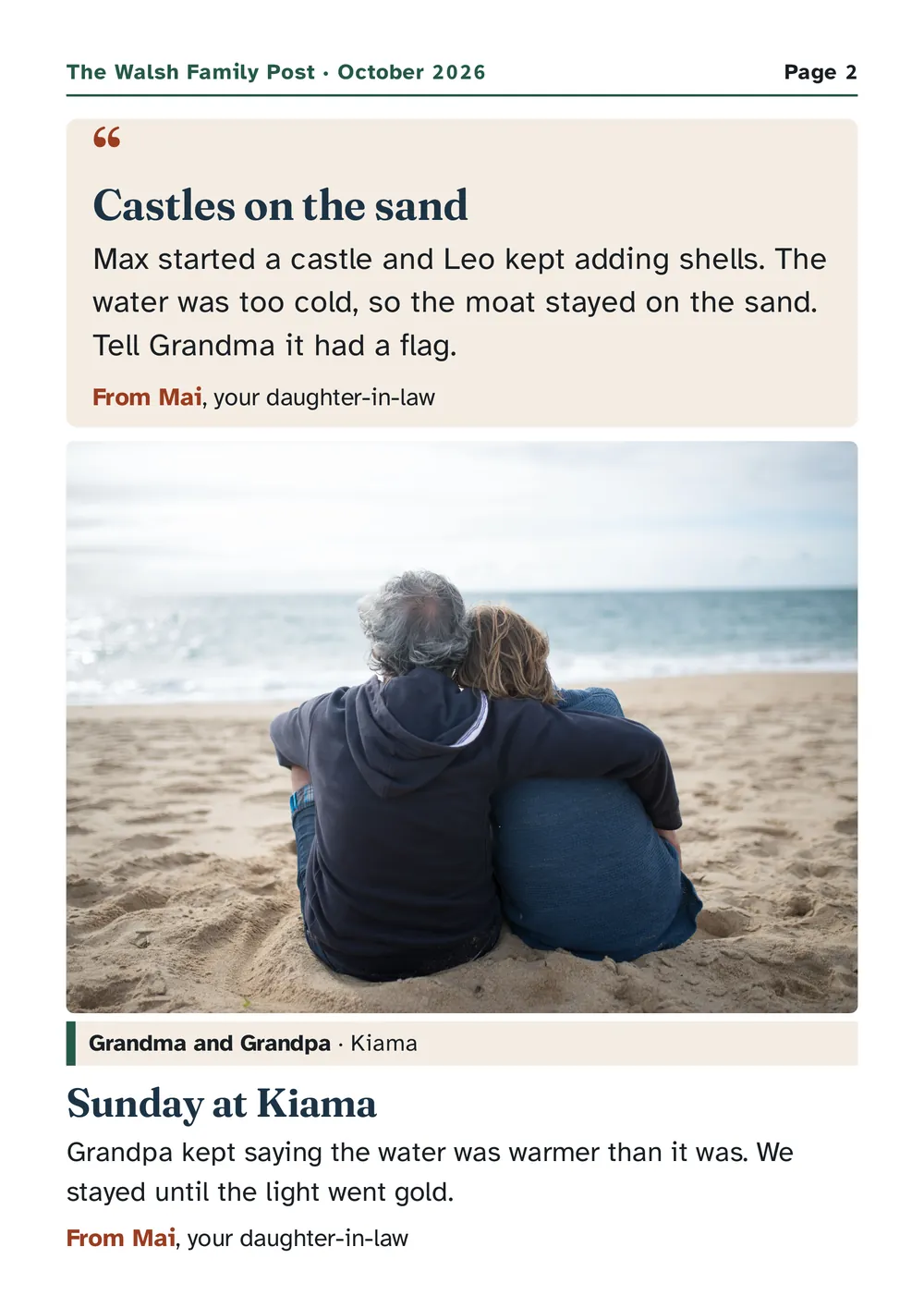
A photo of two kids at the beach is nice. Add one line from whoever took it and it becomes news Grandma can repeat to her friends. This is from page 2 of our sample paper:
"Max started a castle and Leo kept adding shells. The water was too cold, so the moat stayed on the sand. Tell Grandma it had a flag." From Mai, your daughter-in-law
Whatever you choose, add names, ages and a sentence about what happened. It turns a photo stream into family news.
Questions to ask before you choose
- Do they use a phone or tablet every day? If not, choose something that arrives in the post.
- Is there Wi-Fi at their place? A digital frame needs it.
- Who will do the work? If it all depends on one person, it tends to stop. Pick something everyone can add to.
- Will they want to keep it? Paper gets kept, reread and shown to visitors.
- Do they want news, or just pictures? Most grandparents want to know what's going on, not just what everyone looks like.
How to set up a monthly printed paper
- Start a paper and choose a plan: Family (up to 8 pages, about 15 photos) or Big Family (up to 12 pages, about 22 photos).
- Add Grandma & Grandpa's address and the family name that goes on the cover.
- Invite the family with a link. Everyone posts a photo and a few words from their phone, or says it out loud and we type it out. One person can post for everyone.
- We make it into a printed paper, usually posted early each month. Grandma & Grandpa don't need to do anything.
Tips that make any option work
- Caption with names and ages. "Leo, 2" saves a phone call.
- Keep a rhythm. Monthly is easier to keep up than "whenever we remember".
- Share news, not just photos. A first word, a new job, the dog that ate a thong.
- Bring in the whole family. Aunties, uncles and cousins have photos too.
- Keep it private. Use something made for family, not a public post.
Questions
What's the easiest way to share photos with grandparents who don't use technology?
Something that arrives by post: printed photos, a photo book, or a printed family paper. A monthly printed paper like Keep Posted needs nothing from them: the family posts from their phones and the paper arrives in the letterbox.
Is there a way to share photos with grandparents without an app?
Yes. A printed family paper or printed photos by post need no app on their side. A digital photo frame also needs no app for them, but someone has to set it up and it needs Wi-Fi.
How do I send photos to grandparents who aren't on Facebook or Instagram?
Use a private option instead of social media: a shared family album if they use a phone or tablet, a digital frame if they have Wi-Fi, or printed photos or a printed family paper posted to them.
Can the whole family add photos?
With a shared album or a printed family paper, yes. On Keep Posted, everyone in the family posts photos from their own phone, included in the Family plan.
Are the photos private?
On Keep Posted, photos are private to your family and only used to print your paper. Sign-in is by one-time links, so there are no passwords to leak.
Start your family's paper
Families post photos and a few words from their phones. We make it into a printed paper and post it to Grandma & Grandpa every month.
Family plan A$25 a month, up to 8 pages. Christmas offer: A$19 a month for your first 12 months when you join by Sun 15 Nov. Cancel anytime. Australian addresses only.